BoyFriendTV Downloader
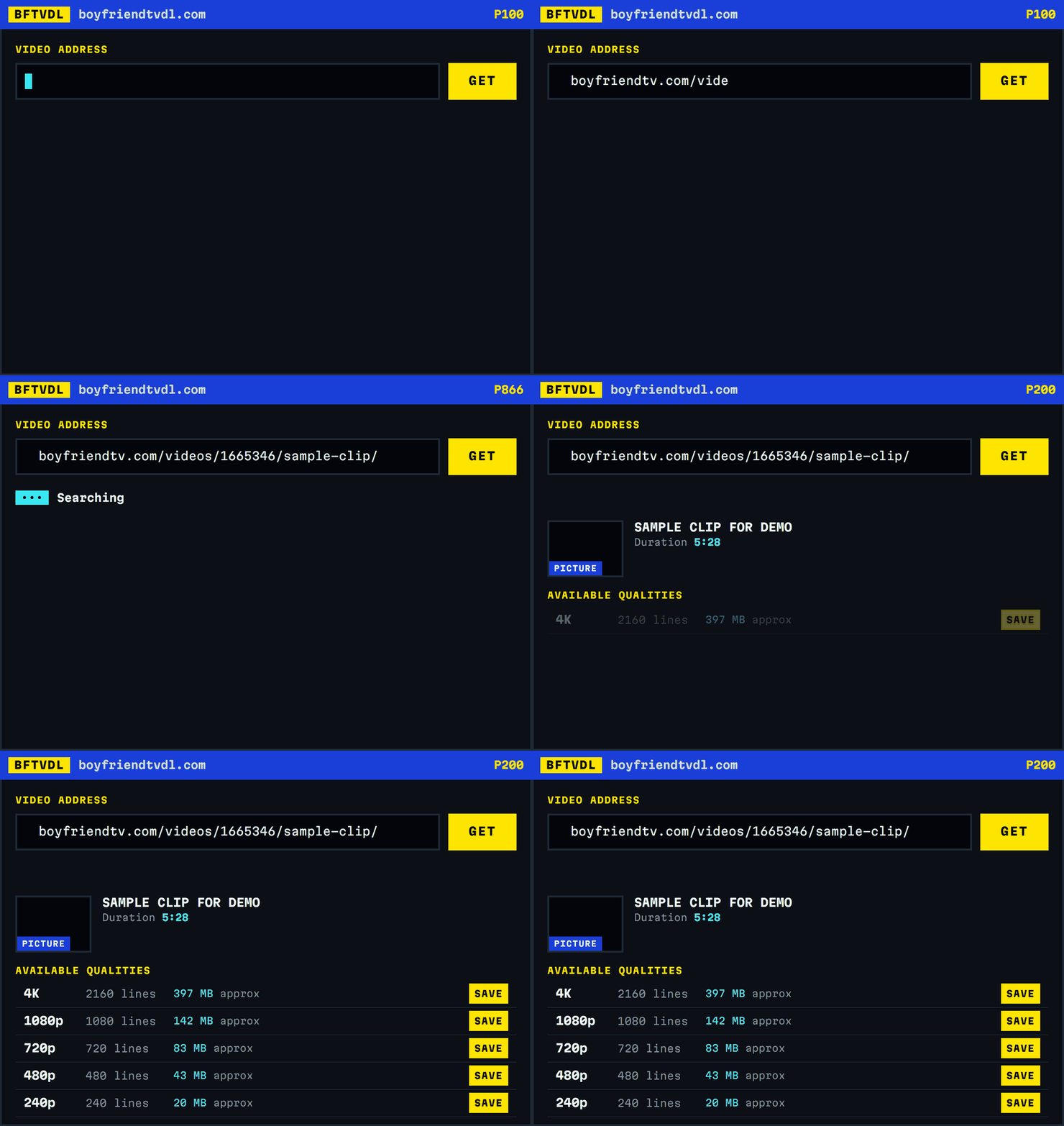
Key a video link or its number. Pick a quality. The file is written on your own device, straight from the CDN — nothing is stored here and nothing is asked of you.
BoyFriendTV sells downloading. This does the same thing for free.
-
You key an address
A full BoyFriendTV URL or just the number out of it. Mirrors work too.
-
This server reads one page
It fetches the video page and the stream index — about 330 KB — and reads back the quality ladder the video actually has.
-
Your browser fetches the video
Not this server. BoyFriendTV's CDN allows direct browser access, so the segments travel from the CDN to you and never pass through here.
-
Your browser writes the MP4
The segments arrive as MPEG-TS and are joined into a single MP4 locally. That is the part that takes minutes on a large file, and it is why this costs nothing to run.
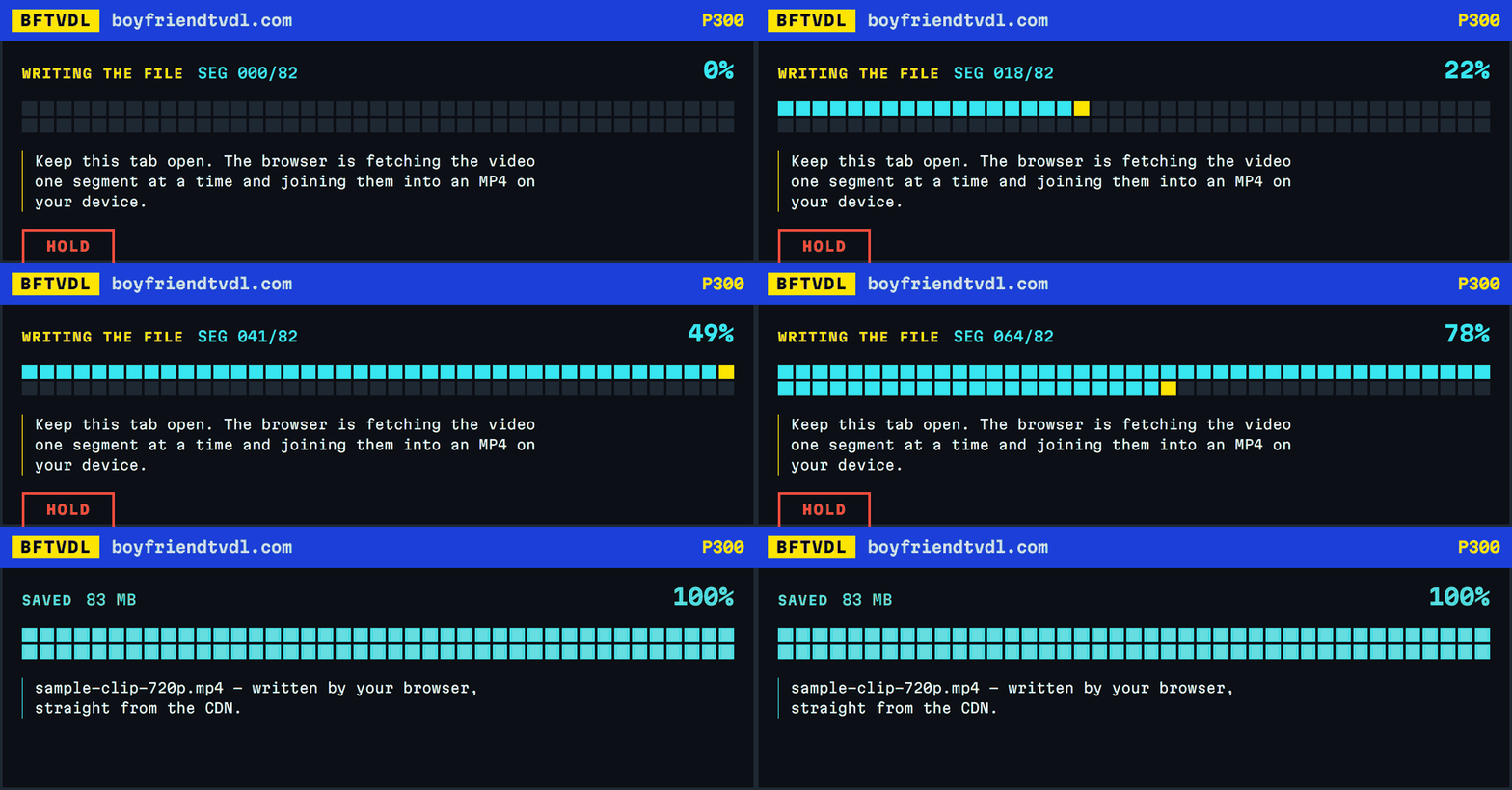
One block per segment, filling as each one lands. This is a real five-and-a-half minute video at 720p: 82 segments, 83 MB, a little over four seconds of video each.
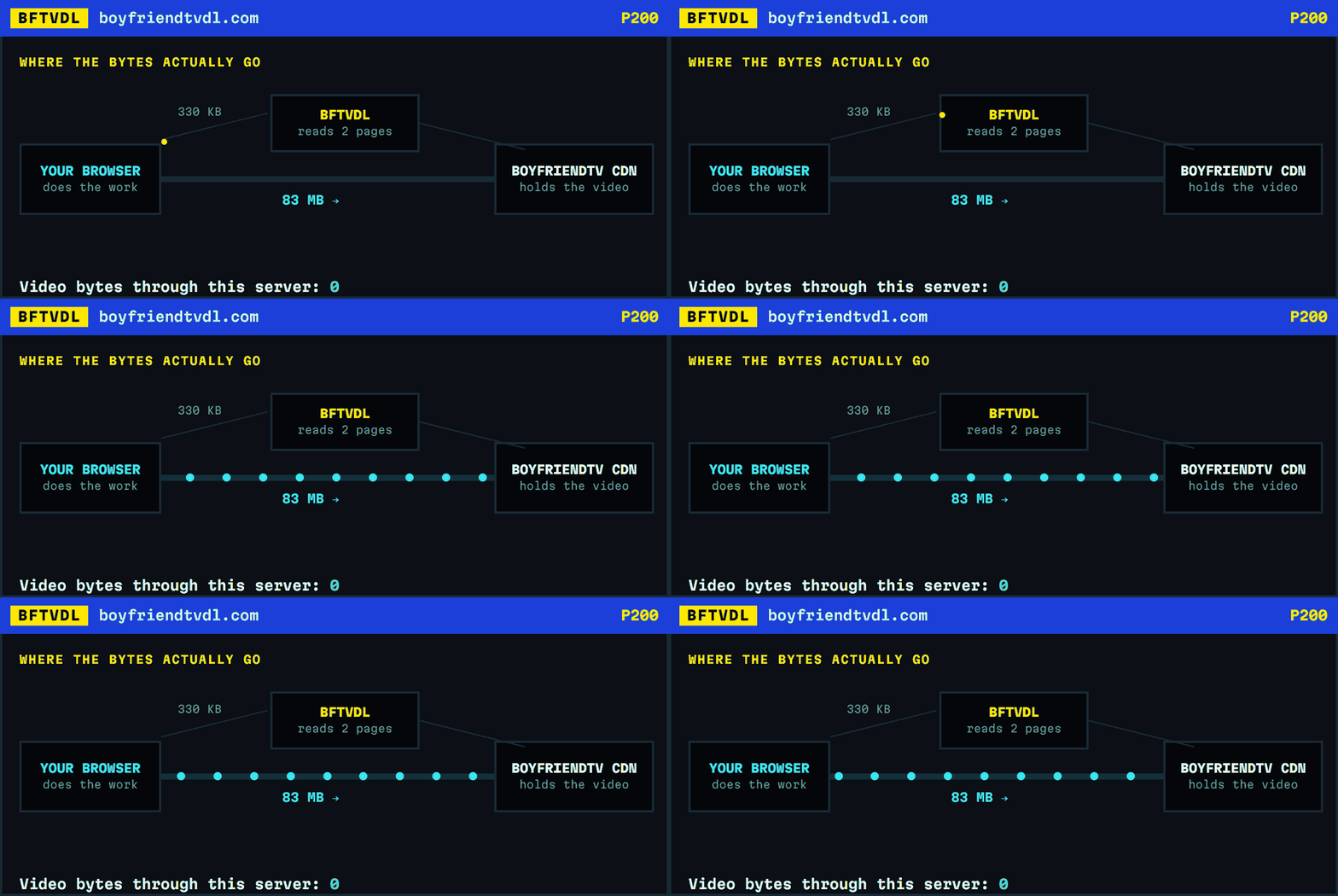
Because the video never touches this server, there is no bandwidth bill to pass on, no queue, and no throttling. It is also why the progress bar counts real segments instead of guessing a percentage.
Is it free, and is there a catch?
Free, with no account and no upload limit. There is a real cost, though: the download runs in your browser tab and a 4K file can take several minutes. That is the trade for not paying for a membership.
Do I need an account or an app?
No. Nothing to install, nothing to sign up for, nothing to grant permission to. It works in the browser you are already using.
Why does it take so long?
The file is fetched in four-second segments and joined together on your device. A five-minute video at 720p is around 80 segments; the same video in 4K is around 400 MB. Your connection is the limit, not this site.
-
P201
How to download a BoyFriendTV video
Four steps, about a minute of work plus however long your connection needs. No account, no app, nothing to install.
-
P202
Which quality should you pick?
The ladder looks obvious and mostly is, but two things about it are genuinely misleading, and one of them will surprise you.
-
P203
Why the download runs in your browser
Most downloader sites pull the video onto their server, then hand it to you. This one does not, and that single decision explains everything you notice about using it — including the parts that are slower.